Fill Out The Zoom Form
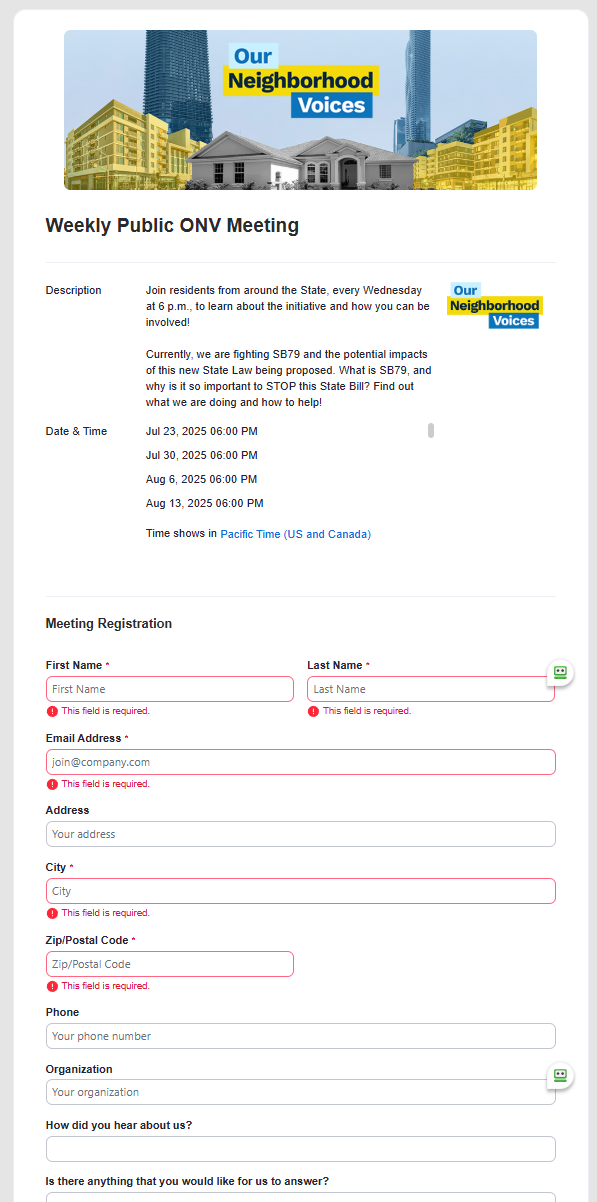
First, fill out your Zoom form to get your link to join us. Please fill out the required fields, such as: first and last name, email, city, zip code, etc.
You will be able to use the same link that is sent to you every week. Please do not share your link, as it is registered to you. If someone else uses it, they will login under your name, or remove their login from their zoom account on their device.
This only needs to be done once. Please wait and check your email, go to step two.
Check Your Email & Add the Calendar Event
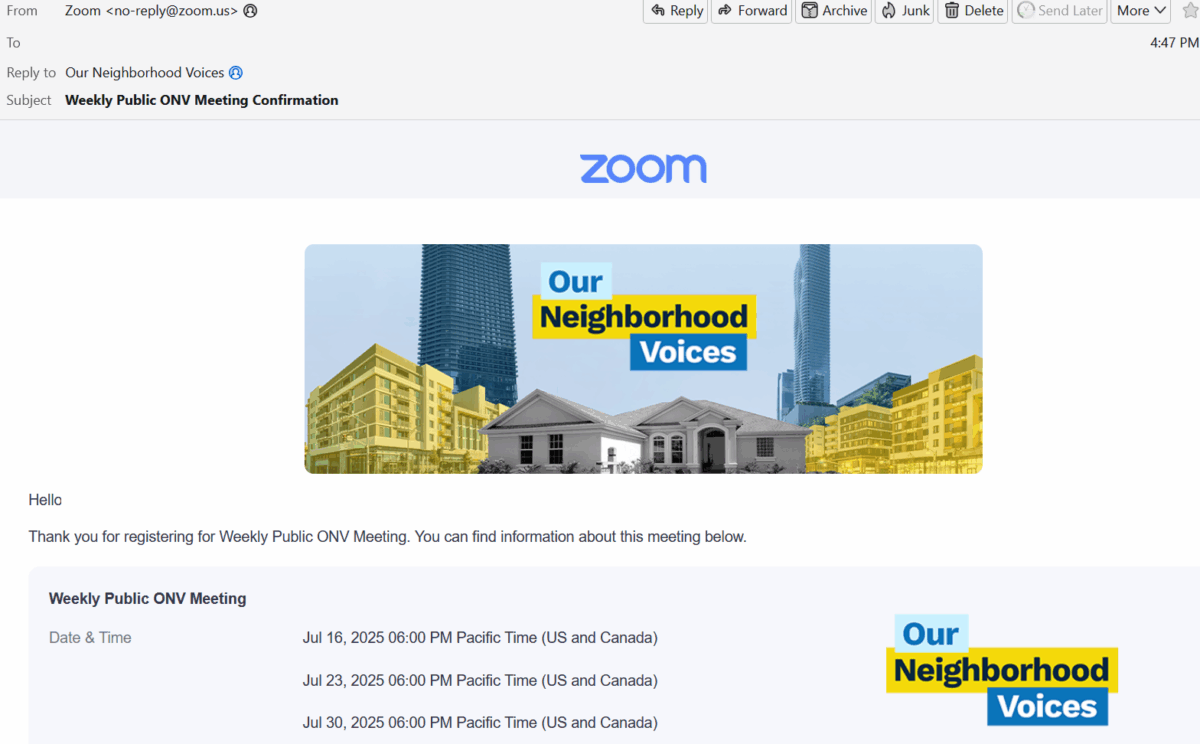
Please check your email account that you registered with, if the email is not in your “Inbox”, check your “Updates”, “Social”, “SPAM”, or “Junk” folder. This email will come from “Zoom”, from the email address “no-reply@zoom.us”.
There is a link on the bottom of the email that will login you into the Zoom meeting.
There is also another link to ADD this meeting to your calendar.
Weekly Reminder Emails: Register Once, Join Weekly
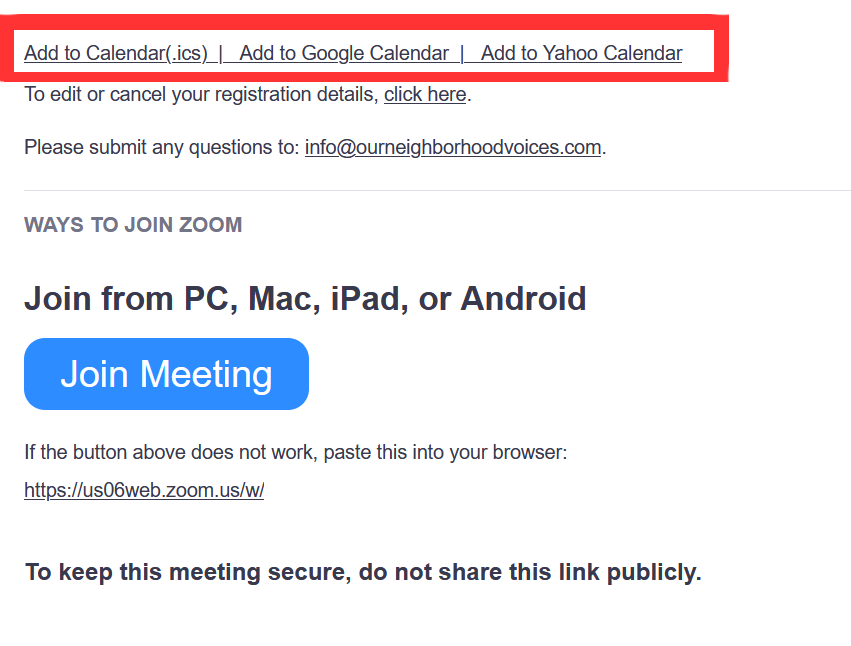
We will send a registration link to your registered email address every week. It is best to save the link in your calendar so that is is easily found for every meeting.
The Weekly reminder email and initial email will have the calendar event to add to your calendar.